Introduction
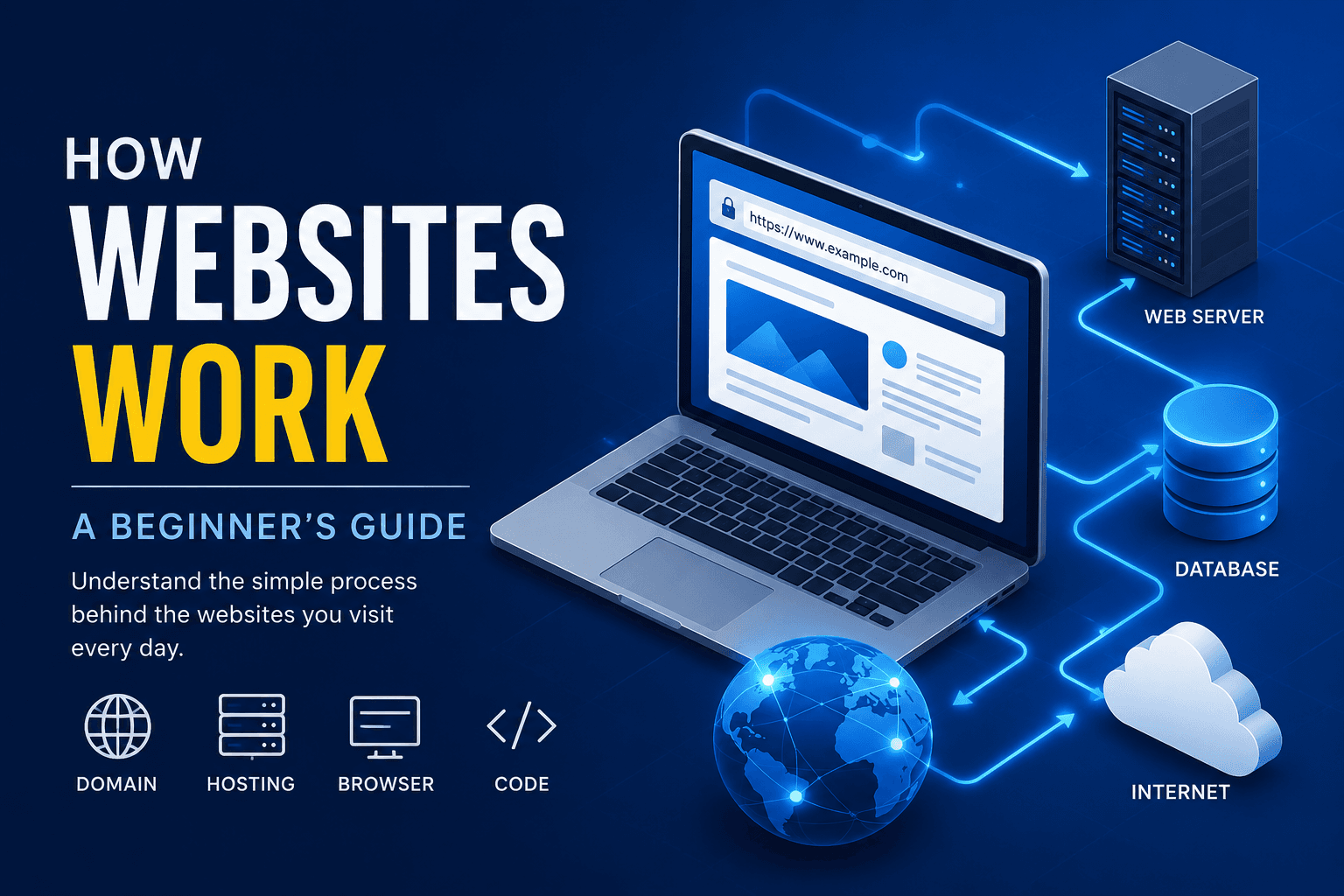
Have you ever wondered what happens when you type a website address into your browser and press Enter? Within seconds, a complete webpage appears with text, images, videos, buttons, and other interactive features.
Although the process may seem almost magical, it follows a series of well-organised steps involving your browser, the internet, domain names, servers, and different web technologies.
Understanding how websites work is useful for anyone who wants to build a website, manage an online business, start a blog, or learn web development. It also makes technical discussions easier to understand when working with designers and developers.
What Is a Website?
A website is a collection of connected web pages stored on a server and accessed through the internet using a domain name.
Websites can serve many different purposes. Some are created for businesses, while others are used for education, entertainment, government services, online shopping, blogging, or personal portfolios.
Every website has an address known as a domain name. For example, a domain may look like yourbusiness.com or yourschool.org. This address helps users locate the website without needing to remember a complicated server number.
The Main Parts of a Website
Several important components work together to make a website available online.
Domain Name
A domain name is the address visitors type into a browser to reach a website. It should be simple, memorable, and connected to the name of the business, organisation, or individual.
A strong domain name makes a website easier to find and helps create a professional online identity.
Web Hosting
Web hosting is the service that stores a website’s files and makes them available on the internet. These files may include text, images, videos, stylesheets, and application code.
Without hosting, a website may exist on a developer’s computer, but other people will not be able to access it online.
Web Browser
A browser is the application used to open and view websites. Common browsers include Google Chrome, Microsoft Edge, Mozilla Firefox, and Safari.
The browser receives website files from a server, reads them, and displays the final webpage to the visitor.
Web Server
A web server is a computer or cloud-based system that stores and delivers website content.
When someone requests a page, the server finds the correct files and sends them back to the browser. It works like a digital library that delivers the exact information requested by the user.
What Happens When You Visit a Website?
The process begins when you enter a domain name into your browser.
The browser first asks the Domain Name System, commonly called DNS, to locate the server connected to that domain. DNS works like an internet directory by matching domain names with server addresses.
Once the correct server is found, the browser sends a request for the webpage. The server then returns the required files, such as HTML, CSS, JavaScript, and images.
Finally, the browser combines these files and displays the completed page. This entire process normally happens within seconds.
Front-End and Back-End Development
Most modern websites have two major sides: the front-end and the back-end.
Front-End Development
The front-end is everything visitors can see and interact with. It includes text, images, navigation menus, buttons, forms, colours, layouts, and animations.
The three basic front-end technologies are HTML, CSS, and JavaScript. HTML provides the structure, CSS controls the design, and JavaScript adds interaction.
Modern tools such as React and Next.js help developers build faster and more advanced user interfaces.
Back-End Development
The back-end is the hidden part of a website that handles important processes behind the scenes.
It may manage user accounts, databases, payments, contact forms, blog posts, file uploads, and other website functions.
Common back-end technologies include Node.js, Python, PHP, Java, and ASP.NET. The back-end communicates with the database and sends information to the front-end when needed.
Static and Dynamic Websites
A static website usually displays the same content to every visitor. These websites are often fast, secure, and easy to maintain.
They are suitable for portfolios, company profiles, landing pages, and simple informational websites.
A dynamic website changes its content based on user activity or database information. Examples include social media platforms, online shops, banking systems, and learning platforms.
Dynamic websites are more flexible, but they normally require databases, user authentication, and additional back-end technologies.
Why Websites Matter
A professional website helps businesses and individuals build credibility and reach a wider audience.
For a small business in Liberia, a website can display services, working hours, contact details, and customer information in one place. It can also help customers discover the business through search engines.
A website may also support online enquiries, product promotion, educational content, appointments, and sales. In many cases, it becomes the first impression people have of a brand or professional.
Common Website Technologies
HTML structures webpage content, while CSS controls its appearance. JavaScript adds interactivity such as menus, sliders, and form validation.
React helps developers build reusable user-interface components, while Next.js is commonly used for fast and search-engine-friendly web applications.
SQL is used to store and manage data, Git tracks changes made to website code, and platforms such as Vercel can host modern web applications online.
Tips for Building a Good Website
A successful website should be clean, easy to use, and responsive across different screen sizes.
Images should be properly optimised so pages load quickly. Navigation menus should be clear, and important details such as contact information should be easy to find.
Website owners should also use HTTPS, strong passwords, updated software, and regular backups. Testing the site on different phones, computers, and browsers helps identify problems before visitors experience them.
Common Mistakes to Avoid
Poor-quality images, confusing navigation, broken links, outdated information, and slow loading times can reduce trust in a website.
Ignoring mobile responsiveness is another major mistake because many people access the internet through smartphones.
Website owners should also avoid weak passwords, missing contact details, and unnecessary design elements that make the site difficult to use.
Conclusion
Understanding how websites work provides a strong foundation for anyone interested in creating an online presence.
A website depends on several systems working together, including a domain name, hosting service, browser, server, front-end technologies, and back-end processes.
Whether you want to launch a business website, create a blog, or begin a career in web development, learning these basics will help you make better decisions and communicate more effectively with developers and clients.
The technologies used to build websites will continue to change, but the main principles remain the same. A successful website should always be fast, secure, responsive, and easy to use.
Further Learning
For practical web-development lessons, visit the freeCodeCamp YouTube channel. It provides beginner-friendly courses on HTML, CSS, JavaScript, React, Next.js, and other important technologies.
You can also use MDN Web Docs as a trusted reference for learning how browsers and web technologies work.